CS Server v1.2.8 — Windows Local Hosting Stack & Control Panel
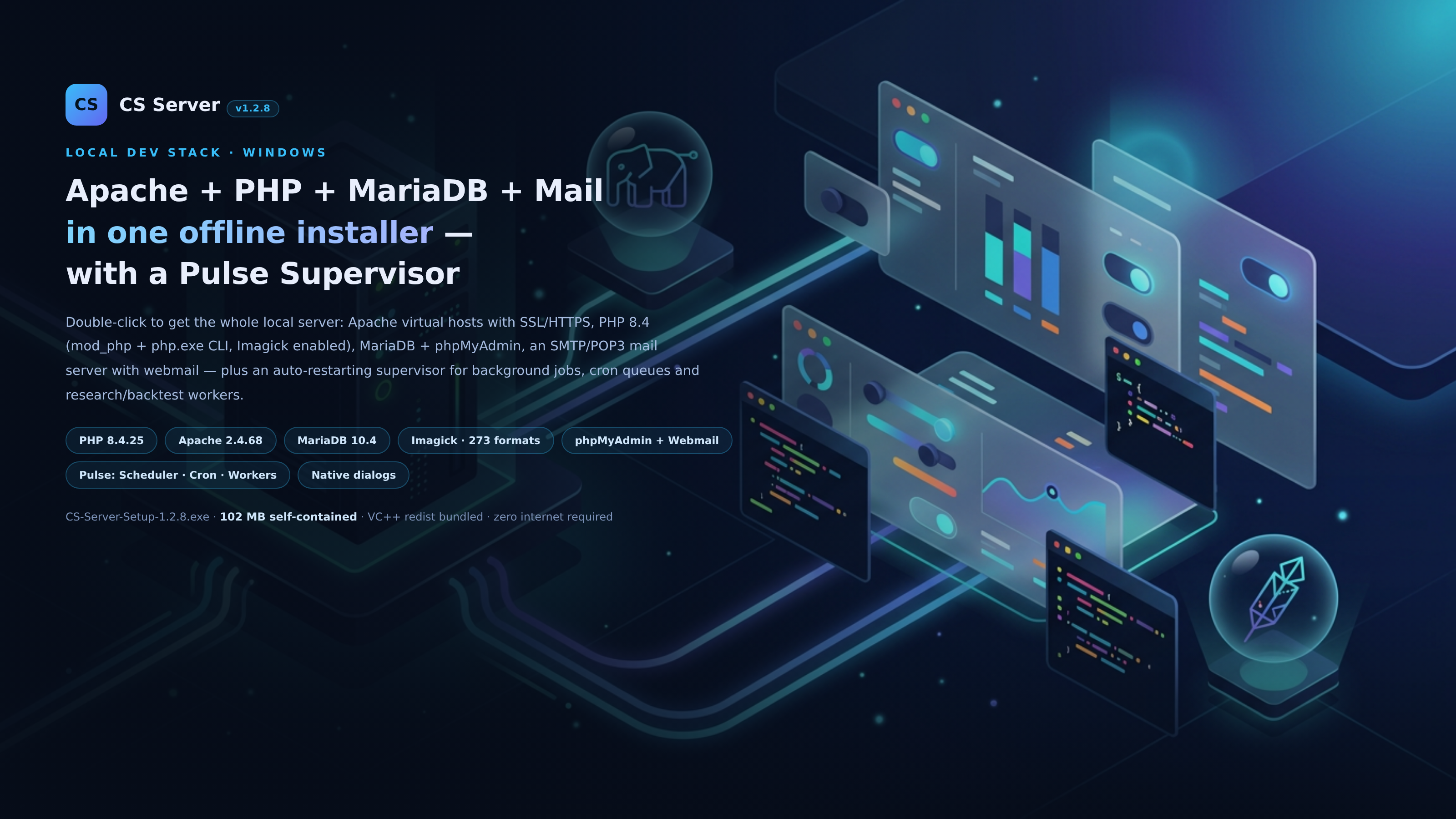
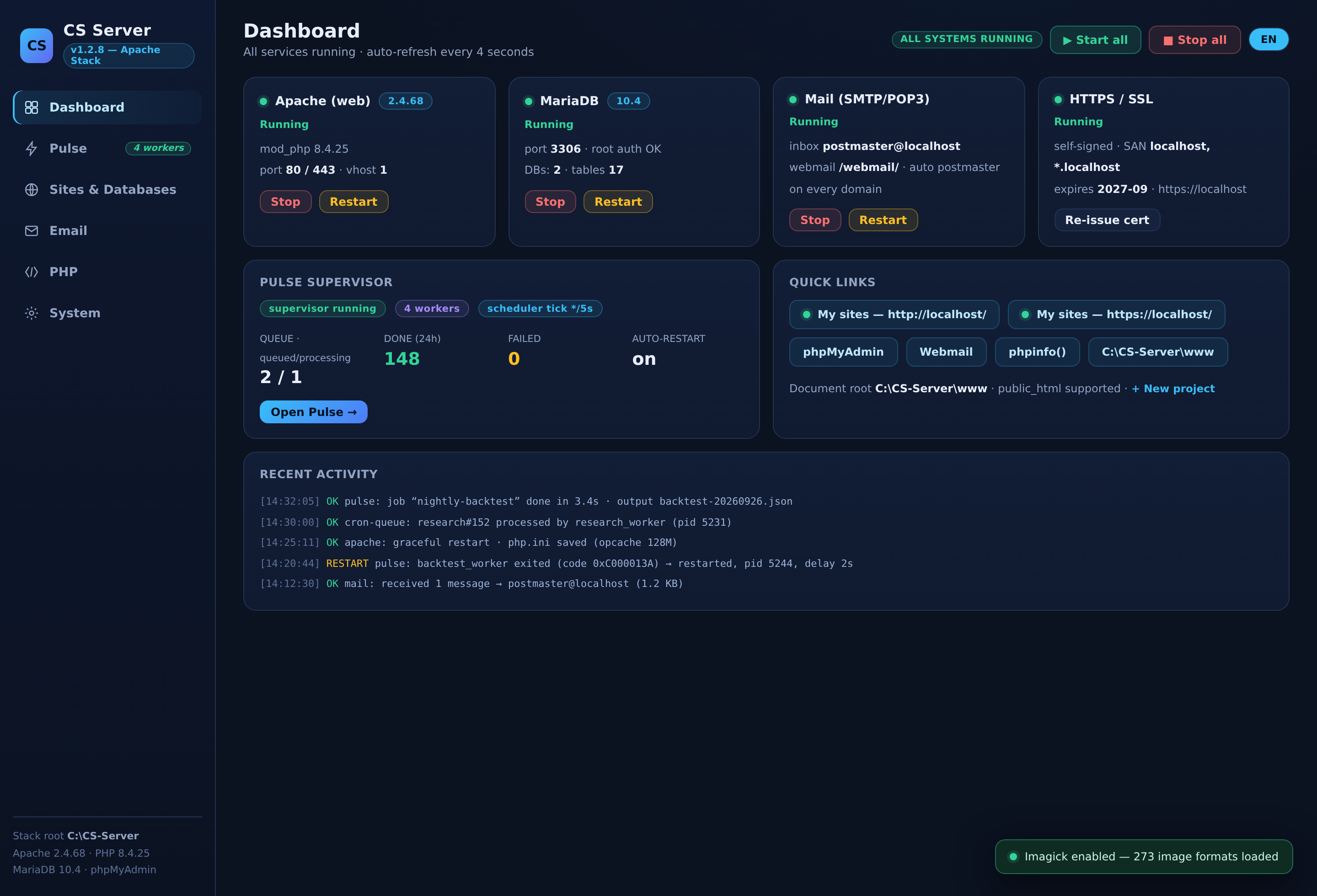
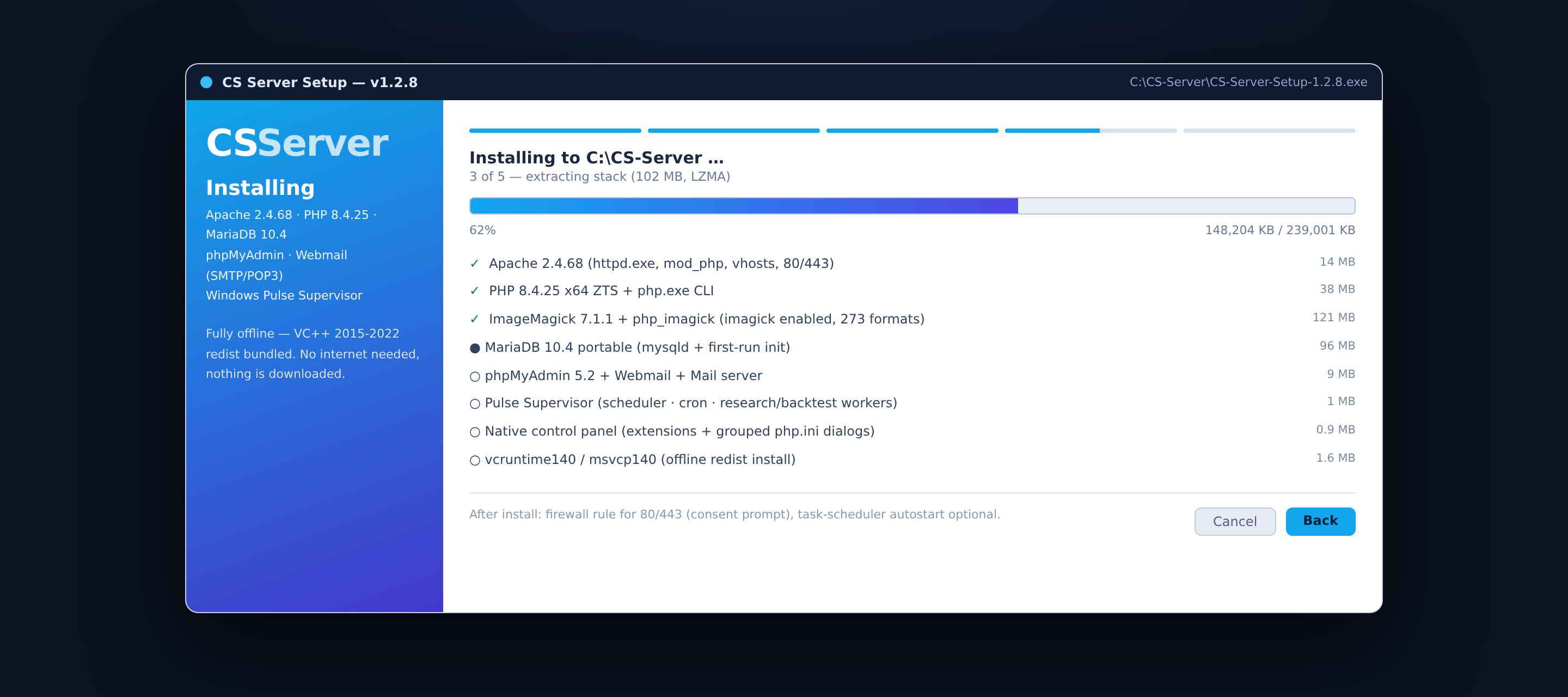
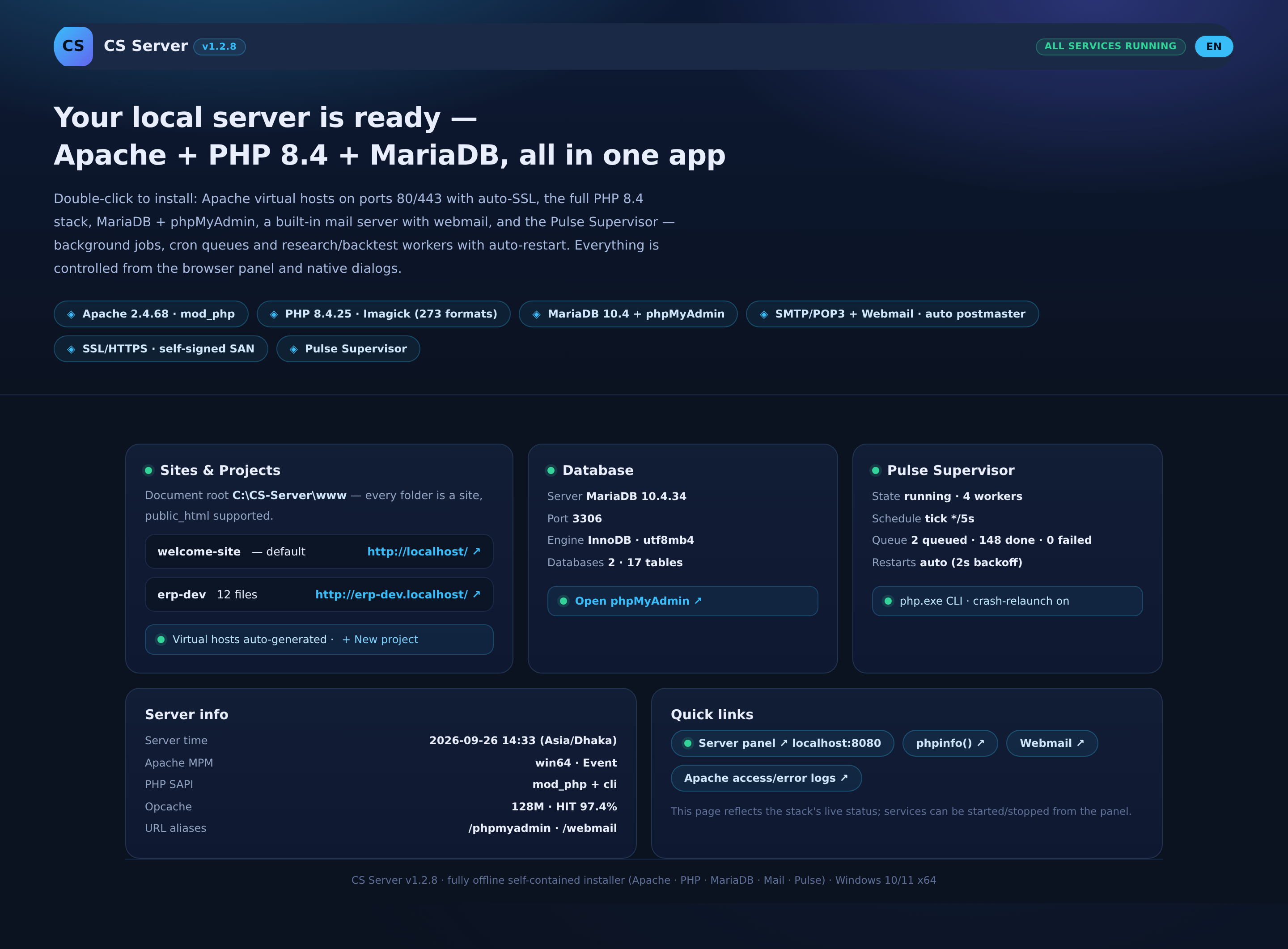
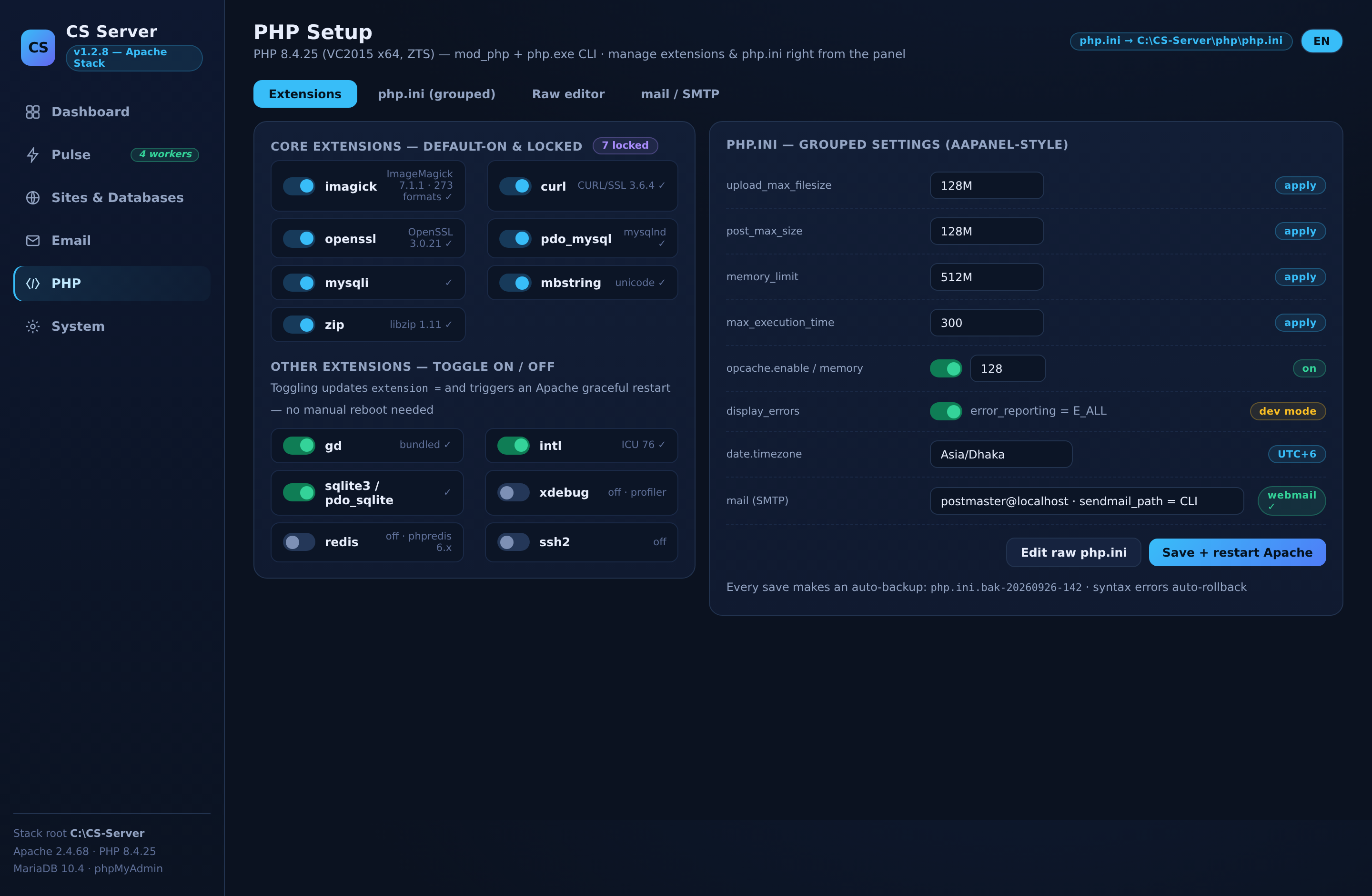
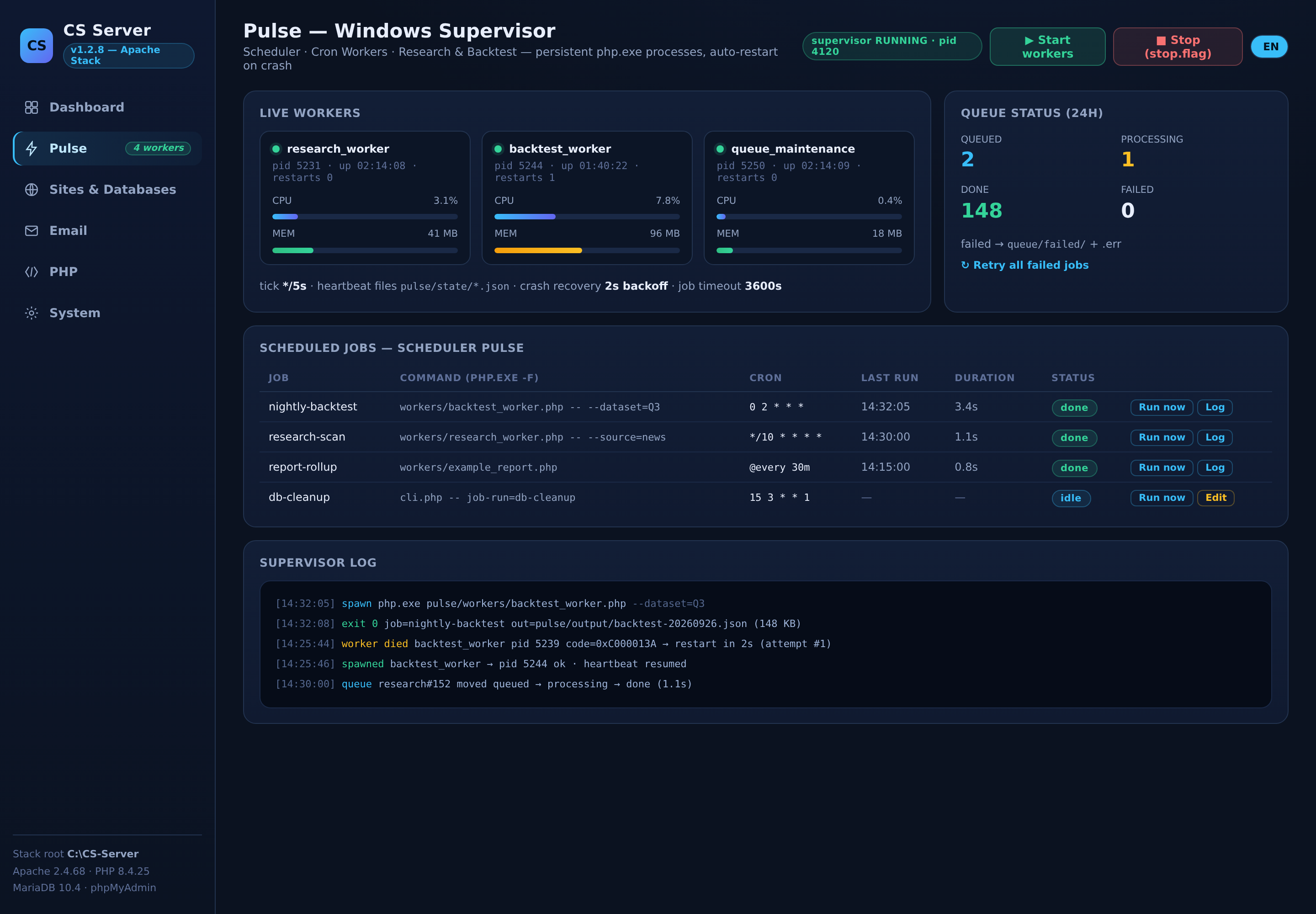
📌 Project overview CS Server is a fully offline, self-contained local hosting stack and control panel for Windows — in the spirit of XAMPP/aaPanel, but with a native-dialog UI, a built-in mail system and a custom Pulse Supervisor. One double-click installs the whole server: Apache virtual hosts on ports 80/443 with auto-SSL, PHP 8.4 (mod_php + CLI), MariaDB, phpMyAdmin, and an SMTP/POP3 mail server with webmail — with no internet connection and no external downloads (even the VC++ redistributables are bundled). Iterations: v1.2.0 → v1.2.8 Platform: Windows 10/11 x64 Installer: CS-Server-Setup-1.2.8.exe — 102 MB, NSIS (LZMA), fully offline UI: Advanced dashboard + native desktop dialogs, bilingual-ready design (EN shown) 🎯 Problem & solution Problem: Setting up a local dev environment usually means juggling several installers, PATH headaches, VC++ runtime errors, disabled PHP extensions (e.g. Imagick), and separate task-scheduler configuration for background jobs (cron/queue workers). Solution: A single installer that places the entire stack, keeps every component's configuration wired together (token-based path rewriting), and exposes everything — services, PHP extensions, php.ini, databases, mail, virtual hosts and background jobs — from one control panel. ✨ Key features 1. The full local server stack Component Version Notes Apache 2.4.68 mod_php, auto vhosts ({name}.localhost), /phpmyadmin & /webmail aliases, dotfile/sensitive-file hardening PHP 8.4.25 (VC2015 x64 ZTS) mod_php + php.exe CLI sharing one runtime, opcache enabled ImageMagick + Imagick IM 7.1.1 273 image formats — bundled CORE/FILTER DLLs, 139 coders, correct MAGICK_* env vars MariaDB 10.4 first-run init, root auth, phpMyAdmin 5.2 Mail SMTP 25 / POP3 110 inboxes + webmail UI; postmaster mailbox auto-created on every domain SSL self-signed SAN: localhost, *.localhost, 127.0.0.1; one-click certificate re-issue 2. Pulse — Windows Supervisor (custom subsystem) Manages persistent, auto-restarting php.exe worker processes with three subsystems: Scheduler Pulse — cron-style schedules (*/5 * * * *, @every 30m, ranges, lists), engine tick */5s Cron Workers — file-based queue (queued → processing → done/failed), per-job timeout, .err capture and retry-all Research / Backtest Workers — research & backtest pipelines, JSON outputs, per-worker heartbeat files Crashed workers relaunch with a 2-second backoff; the panel offers Run-now, live logs and a graceful stop.flag shutdown; a full CLI exists too (pulse/cli.php). 3. Advanced control panel (redesigned in v1.2.8) Sidebar dashboard: live service cards (auto-refresh every 4s), queue/worker stats, recent activity stream Pulse monitor — live workers (PID, uptime, CPU/RAM, restart count), scheduled-jobs table, supervisor log tail PHP section — extension checklist with core extensions default-on & locked (imagick, curl, openssl, pdo_mysql, mysqli, mbstring, zip); toggling writes extension = lines and triggers an Apache graceful restart aaPanel-style grouped php.ini editor plus a raw-ini editor (auto-backup on save, syntax rollback on error) Site & database manager, mailbox creation, service start/stop/restart, firewall-rule consent for 80/443 Native Windows dialog versions of the extensions list and php.ini editors (desktop UI, not only in-browser) 4. Redesigned default landing page http://localhost/ shows the stack's live status: projects/virtual hosts, database info, Pulse state, PHP capabilities including Imagick, opcache hit-rate, quick links. 🔧 Engineering highlights (v1.2.8) Imagick fix — bundled ImageMagick 7.1.1, MAGICK_* environment set up in three places (installer, service script, panel), dependency DLL chain, extension enabled in php.ini → verified on a Wine runtime harness: 273 formats loaded, PNG→JPEG roundtrip OK Wine runtime verification — not just static checks: the real httpd.exe, php.exe and panel APIs were launched under a Wine harness and exercised over HTTP/HTTPS, including alias routing and security-header checks; php -l across the whole codebase NSIS hardening — every external call wrapped with nsExec::ExecToLog /TIMEOUT= (stop-all, VC-redist install, configure script, uninstall cleanup) Security — .ht*, all dotfiles (.git, .env) and .bak/.sql/.log/.key responses return 403 from Apache (live-verified) Token-based installer — all configs ship with a __SRVROOT__ placeholder; configure.ps1 rewrites paths on first run, initializes MariaDB, generates the SSL certificate and opens the postmaster mailbox; the stack runs from any drive/folder Tech: PHP 8.4 (vanilla, framework-free panel), Apache config, MariaDB, NSIS, PowerShell configuration scripts, vanilla JS/CSS frontend, Windows APIs (schtasks, netsh, registry) invoked via nsExec. 📄 Summary CS Server is a fully offline, self-contained Windows local hosting stack installer (Apache 2.4 + PHP 8.4 + MariaDB 10.4 + phpMyAdmin + SMTP/POP3 mail with webmail + auto-SSL) wrapped in an advanced control panel with native dialogs. v1.2.8 added Pulse, a custom Windows supervisor that runs persistent, auto-restarting php.exe workers — a cron-style scheduler, a file-based job queue and research/backtest pipelines — all monitored live from the dashboard. It also shipped the long-requested Imagick fix (bundled ImageMagick 7.1.1, 273 formats verified at runtime), an aaPanel-style grouped php.ini editor with raw editing, locked default-on core PHP extensions with toggle dialogs, hardened Apache rules against dotfile/backup exposure, and a redesigned landing page. Deliverable: a 102 MB NSIS installer with bundled VC++ redistributables, zero internet required, Windows 10/11 x64. Keywords: local dev stack, XAMPP alternative, Apache , PHP 8.4 , MariaDB , phpMyAdmin, webmail, NSIS installer, worker supervisor job, queue cron, Imagick, php.ini GUI, offline install
Project Gallery